
ModSecurity 是一款开源Web应用防火墙,支持Apache/Nginx/IIS,可作为服务器基础安全设施。
系统环境:window 2008 R2+IIS 7
一、ModSecurity安装
ModSecurity 下载地址:http://www.modsecurity.org/download.html
选择相应系统版本下载安装文件,保持默认配置安装。
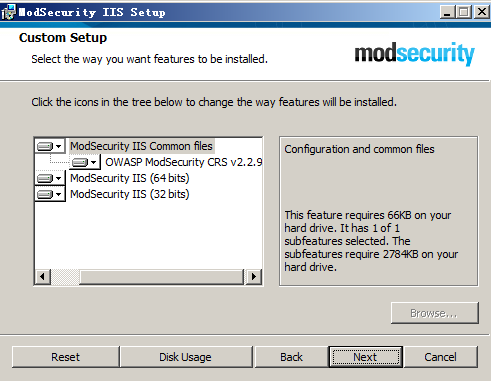
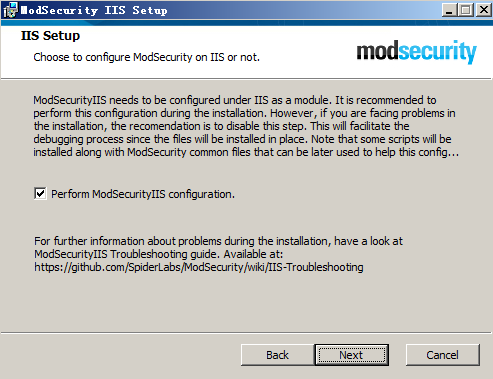
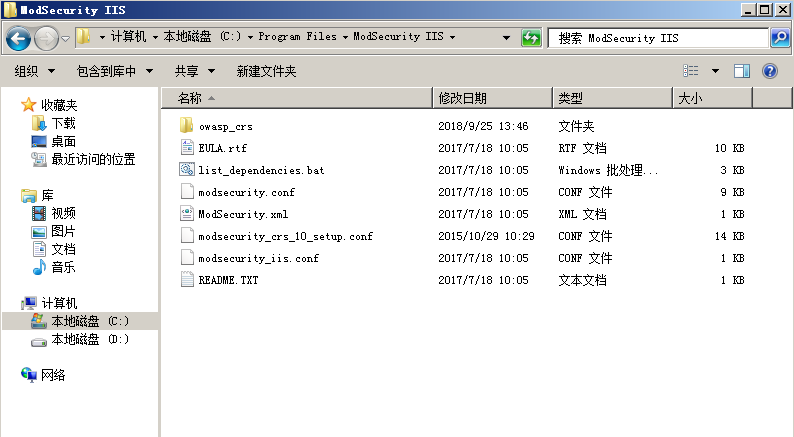
安装完成以后,在C:\Program Files\ModSecurity IIS 目录存在如下文件:
二、相关配置
在C:\Windows\System32\inetsrv\config\applicationHost.config找到
<section name="ModSecurity" overrideModeDefault="Deny" allowDefinition="Everywhere" /></sectionGroup>
改为
<section name="ModSecurity" overrideModeDefault="Allow" allowDefinition="Everywhere" /></sectionGroup>
在ModSecurrity安装目录ModSecurity IIS下找到modsecurity.conf,
将SecRuleEngine DetectionOnly
改为
SecRuleEngine On
在网站目录中,在web.config文件中添加如下配置:
<?xmlversion=”1.0″ encoding=”UTF-8″?>
<configuration>
<system.webServer>
<ModSecurityenabled=”true” configFile=” C:\ProgramFiles\ModSecurity IIS\modsecurity_iis.conf ” />
</system.webServer>
</configuration>
如已有web.config配置文件,可在system.webServer节点增加
<ModSecurity enabled="true" configFile="C:\Program Files\ModSecurity IIS\modsecurity_iis.conf" />
- 效果测试
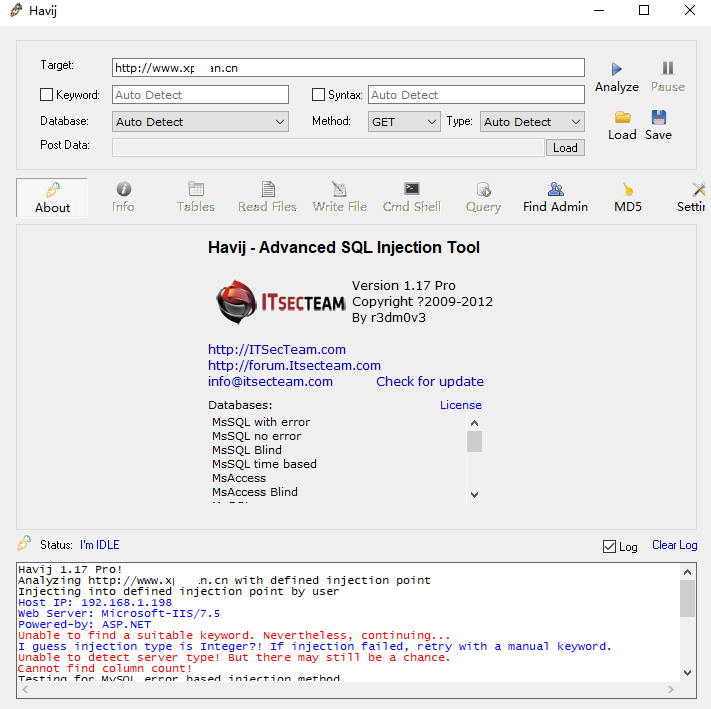
Havij 1.17 Pro!
Analyzing http://www.x—n.cn with defined injection point
Injecting into defined injection point by user
Host IP: 192.168.1.198
Web Server: Microsoft-IIS/7.5
Powered-by: ASP.NET
Unable to find a suitable keyword. Nevertheless, continuing…
I guess injection type is Integer?! If injection failed, retry with a manual keyword.
Unable to detect server type! But there may still be a chance.
Cannot find column count!
Testing for MySQL error based injection method
Testing for MsSQL error based injection method
Bypassing illegal union failed! Turning off this feature
Changing inejction syntax
Retrying to find current data base
I think i was wrong about injection type trying String type!
MsSQL error based injection method cant be used!
MsSQL time based injection method can’t be used
MySQL time based injection method can’t be used
It seems that input parameter is not effective! Check the following:
Are you sure that the input parameter really exists?!
Are you sure that the input value ” is valid?
Are you sure that the ‘GET’ method is correct?
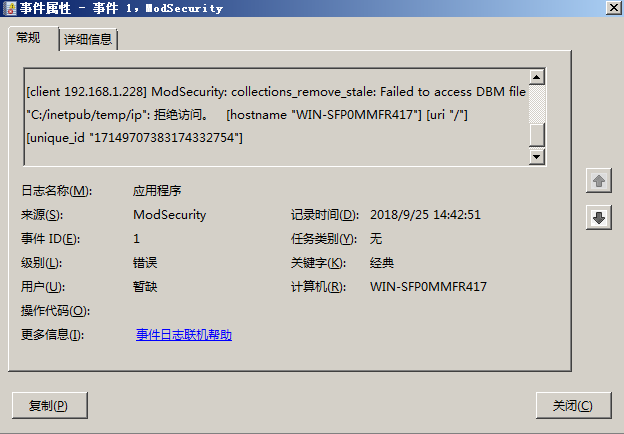
在应用程序日志中,也可以看到拦截日志信息:
四、403错误及解决
访问正常页面,403错误解决方法:
打开事件管理器,查看window日志–应用程序,查看拦截日志:
访问的页面被规则误拦,可以去删除这条规则来让页面恢复正常。
在C:\Program Files\ModSecurity IIS\owasp_crs\base_rules\modsecurity_crs_41_sql_injection_attacks.conf中删除id为950001的规则。